Prepare a document that also reads well on a phone
Published on 2 min read
Some of your readers open a link on their phone. The flipbook adapts, but a page designed for an A4 sheet is reduced there, and some documents lose more than others. A few checks before the export avoid a surprise.
What the reader does on a narrow screen
On a phone held upright, the reader shows a single page at a time, filling the whole width. The controls sit below the page: Previous, the page number, Next, a slider to move through the document, then the buttons for search, contents, voice, presentation and full screen when the document allows them.
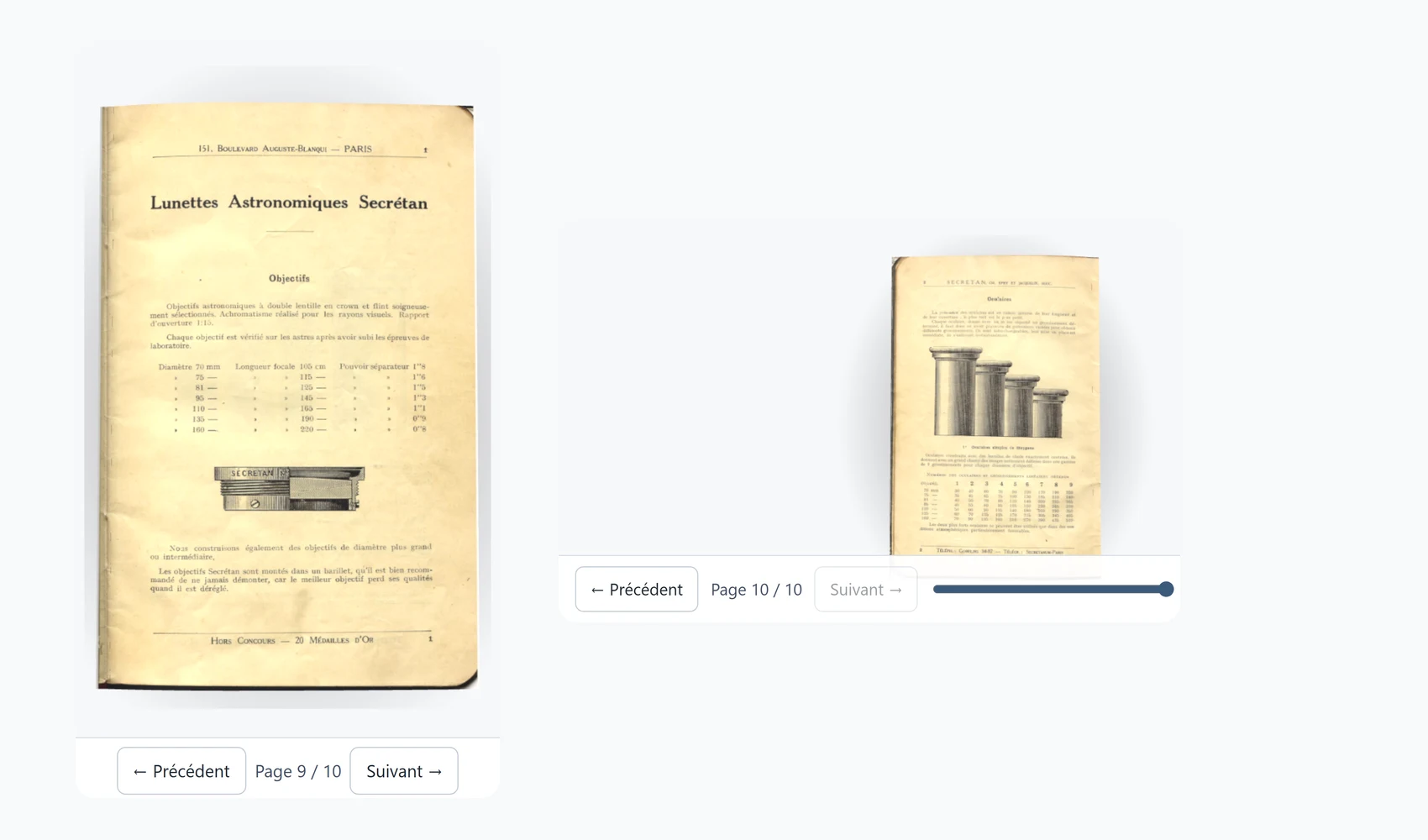
When the phone is held sideways, the page and the controls share the height and the page becomes small. A tall document reads better with the device held upright.
What an A4 page becomes
An A4 sheet is 21 centimetres wide, a phone is seven or eight. A page that fills the whole width of the screen is therefore reduced to about a third of its printed size, and a text of 11 points becomes comparable to text of 3 or 4 points on paper.
This reads without effort when the characters are large in relation to the page, as in an illustrated book or an airy brochure. Running text in small type, a table of eight columns or a crowded plan force you to zoom in, and the document is then less pleasant than it is on a computer.
What to look at before exporting
- The size of the running text in the original document. The larger it is relative to the page, the better it reads once reduced.
- The orientation. A tall document, such as an A4 page or a book, fills the screen of an upright phone better than a wide one, such as a slide.
- Tables and plans. If the detail matters, put them on a page of their own rather than in the flow of the text.
- Pages made of images. A scan has no text that the reader can enlarge. A page description, added from the Create page, helps people who use a screen reader.
A document of A4 pages in small type suits a computer and remains readable on a phone. To make it truly comfortable there, it is better to design it in large type or in smaller pages.
Checking for yourself
The best check is to open your flipbook on your own phone once it is published. Look at the cover, a page of text, a page with a table and the last page. The Frequently asked questions explain how to publish or share an export.