Leafing through a document in a meeting
Published on 2 min read
A report, a catalog or a file can be presented as it is, by leafing through it on screen in front of the people in the room. The Ostibook reader has a mode designed for this.
Presenting the document itself
By leafing through the document, you show its pages as they were laid out, with their tables, notes and appendices. You turn the pages in order, go back to a table or move on to an appendix as questions come up.
The people present see the document they receive afterwards. Slides remain useful for a talk built point by point, and the two can complement each other.
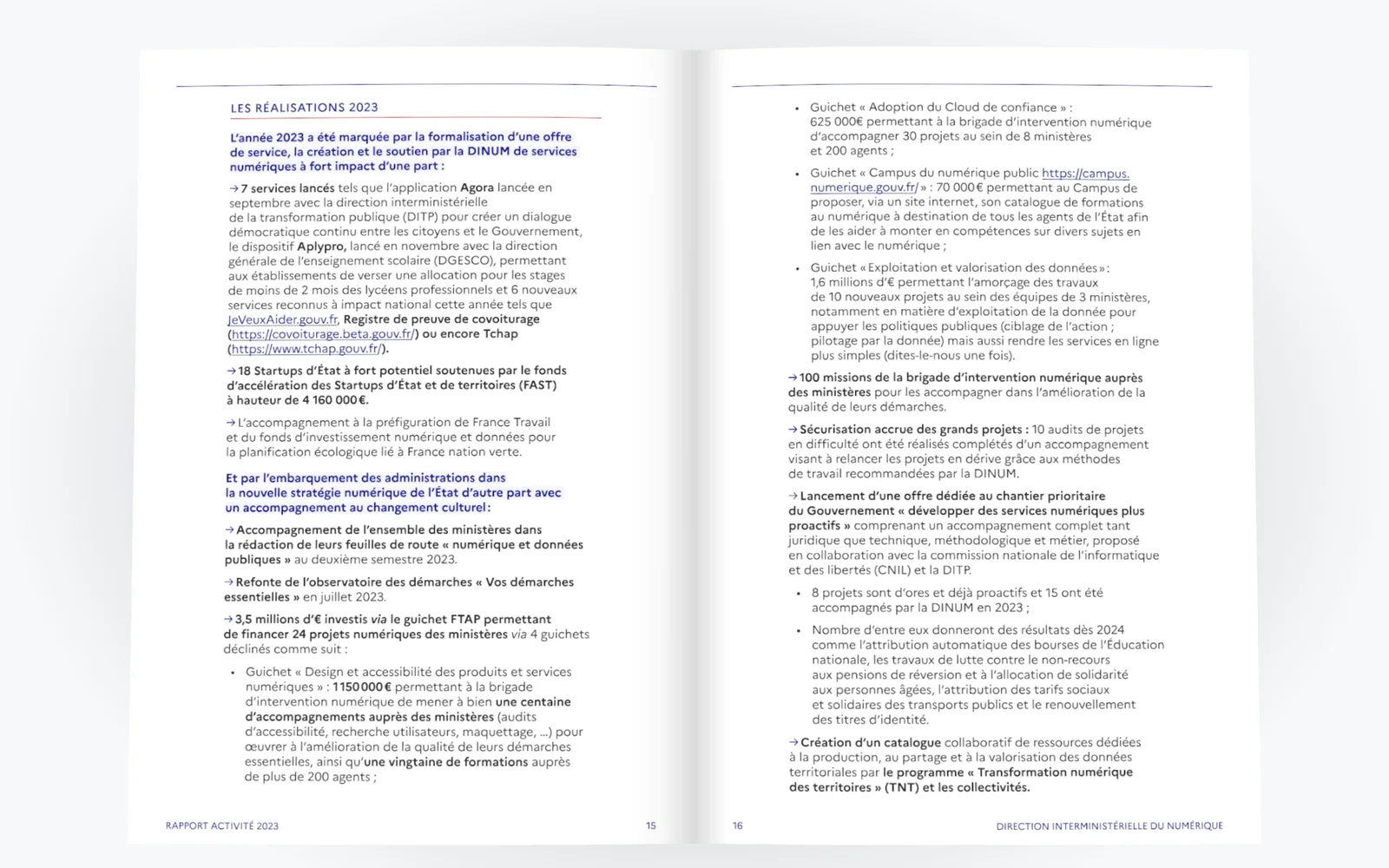
Presentation mode
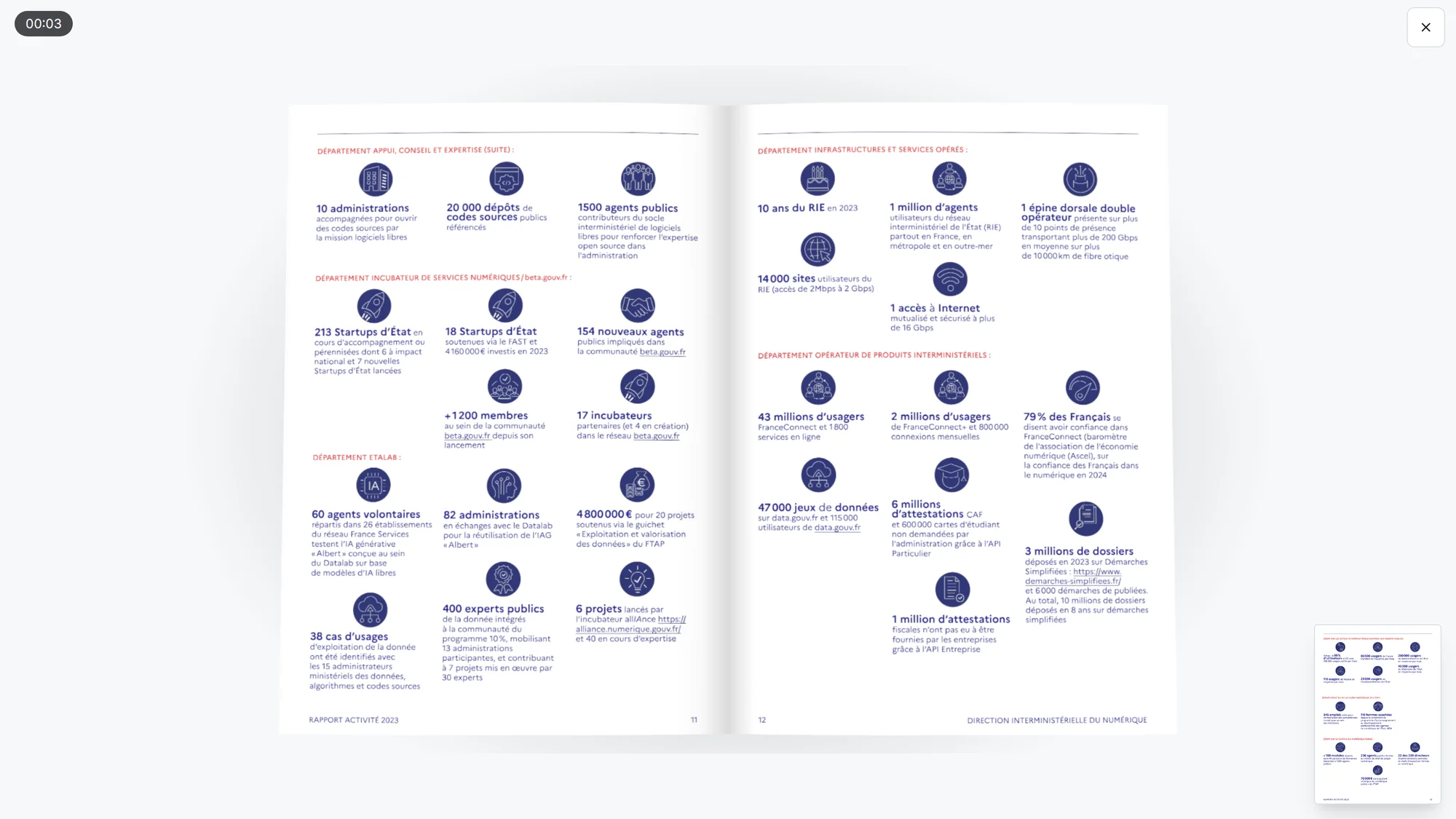
In the reader, Presentation mode opens the document in full screen. A timer shows the time elapsed, and a preview shows the next page.
The B key turns the screen black, for instance while a question is being answered. The Esc key leaves presentation mode.
Choosing a suitable mode
For a working document, the Report mode is a good fit. Its pages turn very quickly, on a neutral background with little shadow. For a catalog or a portfolio, the Catalog and the Album give more room to images.
The mode is chosen before the meeting on the Create page, without changing the document. You can also remove the pages that are not needed for the presentation.
After the meeting
When the flipbook is published on a site, its address keeps the page being shown. You can send it to point someone to a table mentioned during the meeting.
The document presented and the document sent are the same. The frequently asked questions set out what the reader can do.