Preparing a PDF so it reads well as a flipbook
Published on 2 min read
A PDF is usually prepared one page after another. In a flipbook, on a wide screen, those pages are shown two by two. A few points are worth checking in the document before turning it into a flipbook.
Which pages face each other
In the Book, Catalog, Magazine and Album modes, the first page acts as the cover and is shown on its own. The following pages go in pairs, page 2 on the left and page 3 on the right.
The Brochure and the Report open straight onto two pages, so pages 1 and 2 face each other. The same PDF therefore forms different pairs depending on the mode. A heading meant for a right-hand page may end up on the left.
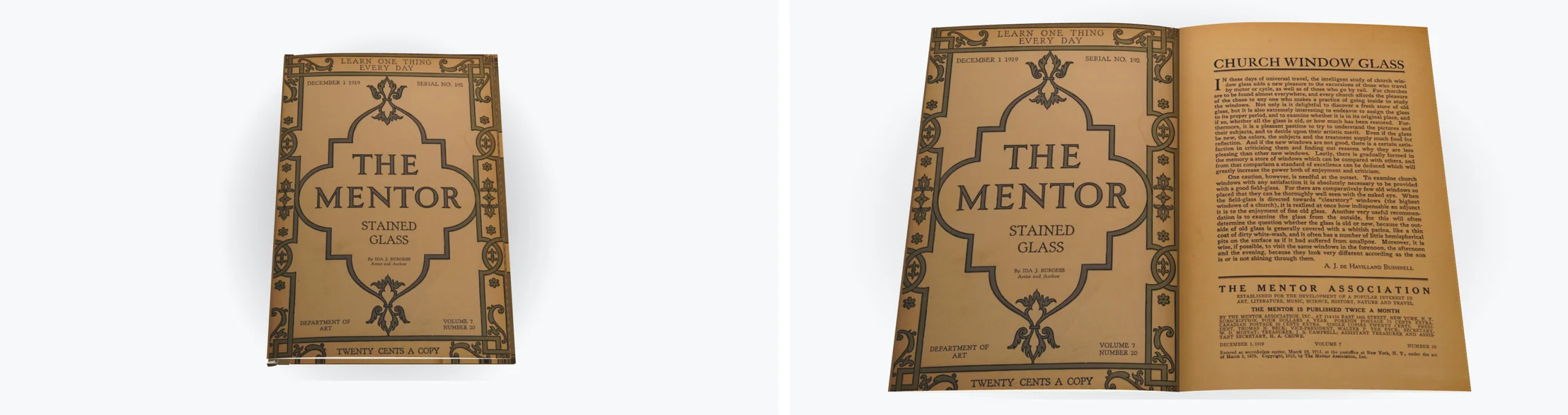
Adding or removing a page shifts every pair that follows. When an image no longer faces its text, that is often the cause.
Margins and images across two pages
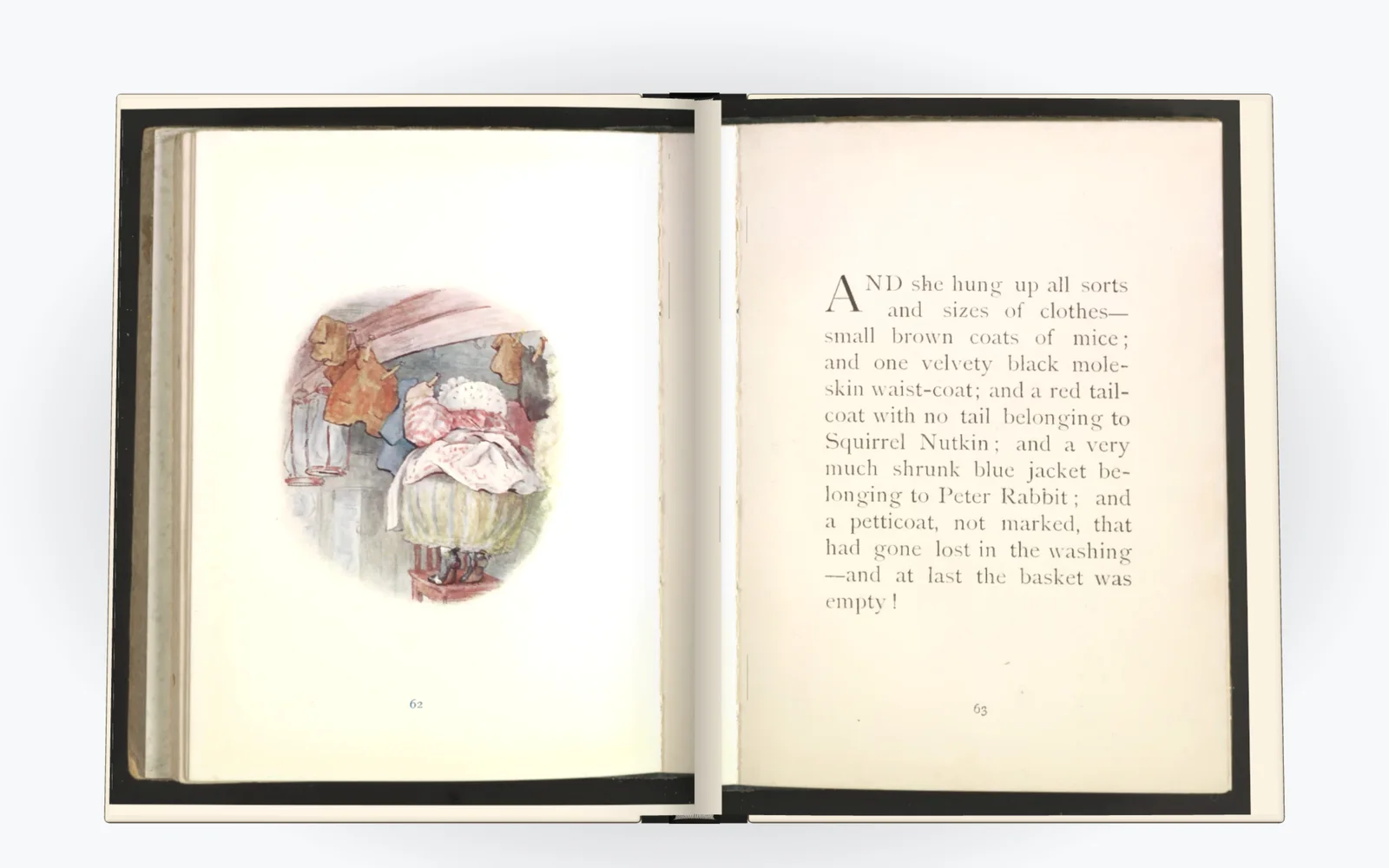
The middle of a spread is where the binding sits. Text placed too close to the inner edge is harder to read there, and a slightly wider margin on that side helps.
An image that runs across two pages is cut in two in the PDF, one half per page. Avoid letting a face or a heading fall across the middle.
Page format and text size
Two pages shown together each take half the width of the screen. Text that reads well on a single page looks smaller in a spread. A reasonably large body text and short lines stay readable in both cases.
On a narrow screen held upright, such as a phone, the reader shows one page at a time. Your pages are therefore seen sometimes alone, sometimes in pairs.
Keep the same page format from start to finish where you can. Portrait pages mixed with landscape pages produce uneven spreads.
Checking in the reader
Open your PDF on the Create page, try two or three modes and leaf through the whole document. The page pairs appear as they do in the export.
If a page is out of place, you can move or remove it without going back to your software. You can also add a cover with a title, an author and a color. The import limits are listed in the frequently asked questions.